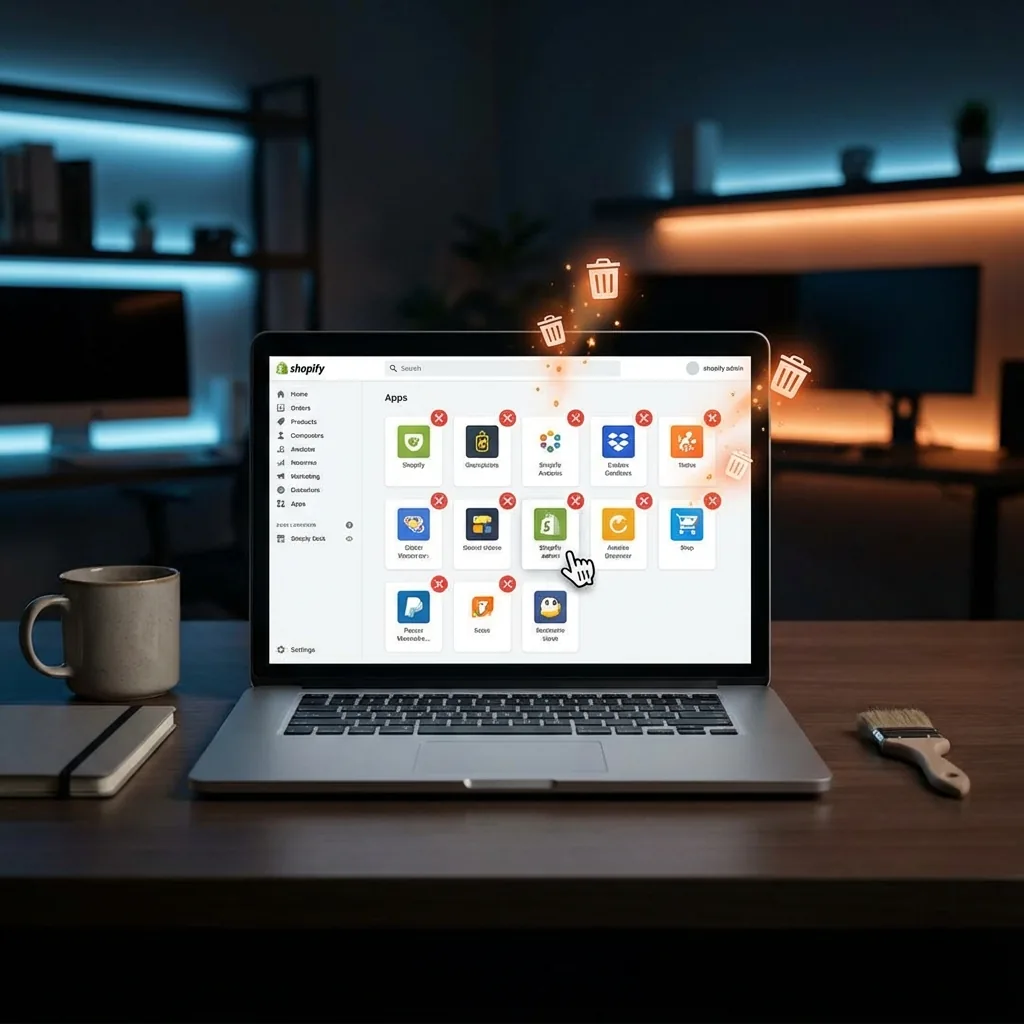
5 Shopify Apps You Should DELETE Immediately (And How to Replace Them)
Are you paying $50 a month for features that take 10 lines of code? You're not alone. Many Shopify merchants fall into the trap of installing an app for every minor feature, unaware that these "free" or "cheap" apps are silently killing their site speed and bleeding their budget.
As a Shopify Developer, the first thing I do during a speed audit is check the App List. Often, I find 20+ apps doing jobs that could be handled natively by the theme.
Here are 5 common apps you should delete immediately—and exactly how I can help you replace them with lightweight, one-time code.
1. "Scroll to Top" Button Apps
The Cost: $3–$5/month + External Script Loading
It's just an arrow that takes the user to the top of the page. Why does this need a monthly subscription and an external JavaScript file request? It doesn't.
The Developer Fix: I add a simple HTML button and 5 lines of JavaScript to your theme. It loads instantly, costs $0/month, and matches your brand perfectly.
2. Basic "Wishlist" Apps
The Cost: $10–$30/month + Database Calls
Unless you need complex email marketing integration for your wishlist, paying valid money for a "Save for Later" feature is overkill. Many wishlist apps load heavy scripts that block your main thread.
The Developer Fix: Using Local Storage and Shopify's new AJAX API, I can build a "Favorites" list that lives right in the customer's browser. It's lightning fast and requires no third-party server.
3. "Trust Badge" Apps
The Cost: $5–$10/month + Layout Shifts (CLS)
You've seen them: the generic "Secure Checkout" images under the Add to Cart button. These apps often inject the image via JavaScript after the page loads, causing the content to jump around (Cumulative Layout Shift)—a big Google SEO penalty.
The Developer Fix: I simply code the trust badges directly into your `product-template.liquid` file. The image loads with the page, zero layout shift, zero monthly fee.
4. Simple "Cookie Consent" Banners
The Cost: $5–$15/month + Heavy Blocking Scripts
While compliance is vital (GDPR/CCPA), many banner apps are bloated monsters that delay your page load until the user clicks "Accept".
The Developer Fix: Shopify now has a native Customer Privacy API. I can style a custom banner that uses Shopify's built-in tools to handle consent legally and efficiently, without an extra app.
5. "Right Click Protection" Apps
The Cost: $3–$10/month + Annoying UX
These apps try to stop people from stealing your images by disabling right-click. **Spoiler Alert:** They don't work. Anyone can take a screenshot or inspect the code.
The Developer Fix: Delete it. It annoys legitimate users and doesn't stop thieves. If you really want it, it's 3 lines of CSS/JS code, not a monthly subscription.
The Math: Why Custom Code Wins
Let's do a quick calculation:
- Scroll App: $4/mo
- Wishlist App: $15/mo
- Trust Badge App: $8/mo
- Cookie App: $8/mo
- Protection App: $5/mo
Total: $40/month ($480/year) just for basic features, plus a slower website that loses sales.
My Solution: You pay me a one-time fee to implement these features natively. You own the code forever. No monthly fees. No speed penalties.
What I Review Before Deleting an App
Not every app should be removed. The goal is to delete duplicative, low-value, or poorly performing storefront apps, while keeping the tools that are actually driving revenue or operations.
- Does the feature already exist in Shopify? Privacy, search, filters, and sections have all improved over time.
- Does the app touch the storefront on every page? If yes, it has to justify its performance cost.
- Is this really a theme feature? If it is just presentational UI, custom code is often the better long-term asset.
- Will deleting it break data or workflows? Wishlist, reviews, subscriptions, or ERP-linked apps need a proper migration plan.
What I Usually Keep
I do not recommend deleting apps just to brag about a lower app count. If an app handles reviews, subscriptions, personalization, search, or a complicated operational workflow well, it may still be worth its cost. The better decision is usually to remove the weak "micro-utility" apps that add JavaScript without adding much business value.
A Safe Replacement Workflow
For any storefront app replacement, I first benchmark the current behavior, build the native or custom replacement in a preview theme, and only then remove the app. That avoids the common mistake of uninstalling first and discovering that snippets, app blocks, or tracking logic were still doing something important.
Official References
- Shopify docs: Customer Privacy API
- Shopify docs: Ajax API for theme-side cart and storefront interactions
- Shopify docs: app performance guidance
- Related reading: how app conflicts hurt conversion and theme stability
Tired of paying monthly rent for your own website features?
Let's clean up your app list and speed up your store.
Get a Quote for App Replacement