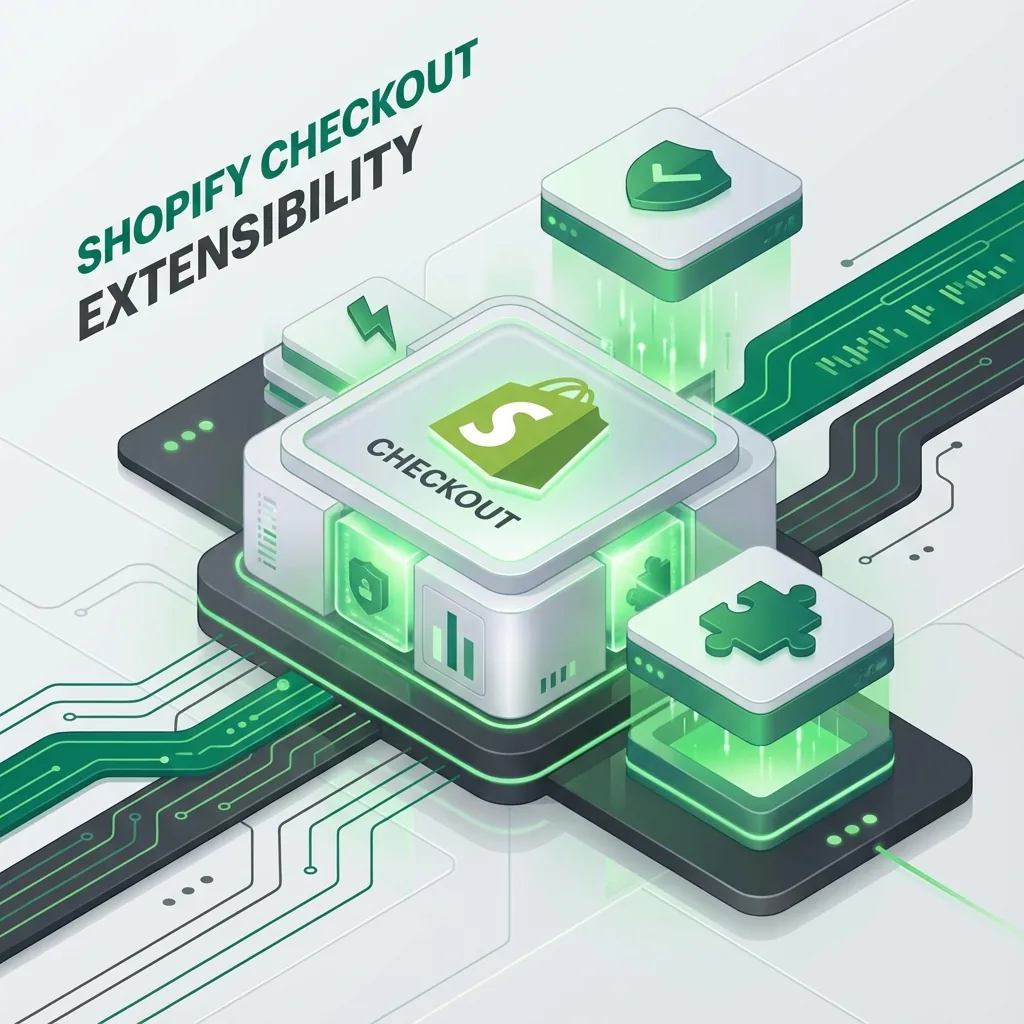
The End of checkout.liquid: The Ultimate Guide to Shopify Checkout Extensibility
If you are a Shopify Plus merchant, a major change is coming. Shopify has announced
the deprecation of checkout.liquid, the file that has powered custom checkouts for
years. In its place comes Checkout Extensibility—a more secure, faster, and
upgrade-safe way to customize your checkout.
2026 reality check: in-checkout checkout.liquid customizations are already legacy. The remaining Shopify Scripts support window ends on June 30, 2026, so any store still relying on script-era logic should treat this as active migration work, not backlog.
What is Checkout Extensibility?
Historically, Shopify Plus merchants customized their checkout by directly editing the
checkout.liquid code. While flexible, this approach had major downsides:
- Upgrade Issues: Custom code meant you didn't get automatic updates from Shopify.
- Security Risks: Direct code access could introduce vulnerabilities.
- Performance: Poorly written scripts could slow down the checkout process.
Checkout Extensibility replaces this with a suite of app-based tools:
- Checkout UI Extensions: For adding custom UI elements (banners, upsells, trust badges).
- Shopify Functions: For backend logic like complex discounts, shipping rules, and payment customization.
- Web Pixel API: For secure, non-blocking tracking and analytics.
Why You Should Migrate Now (Not Later)
1. Lightning Fast Performance
Checkout Extensibility runs on Shopify's infrastructure, not in the browser's main thread. This means your checkout loads instantly, leading to higher conversion rates.
2. One-Click Upgrades
Since you aren't hacking the core code, you automatically get every new feature Shopify releases (like the new one-page checkout) without breaking your customizations.
3. Better Conversion with Shop Pay
The new system is fully integrated with Shop Pay, ensuring a seamless experience for the millions of users who use it.
How to Migrate: A Developer's Roadmap
Migrating isn't just a "copy-paste" job. It requires rebuilding your current customizations using the new tools.
Step 1: Audit Your Current Checkout
I start by listing every customization you currently have. Do you have a "Terms and Conditions" checkbox? A post-purchase upsell? A custom shipping logic?
Step 2: Map to New Tools
- Visual Changes: Use the Checkout Editor (drag and drop).
- Custom UI: Build React-based Checkout UI Extensions.
- Logic: Write Rust or JavaScript-based Shopify Functions.
- Tracking: Move GTM and Facebook Pixel scripts to the Web Pixel API.
Step 3: Build and Test
I develop these extensions in a development environment, testing them rigorously to ensure they work under all conditions (mobile, different currencies, etc.).
Step 4: Go Live
Once tested, we publish the app to your store and switch over to the new checkout profile. The transition is seamless for your customers.
Common Migration Challenges
"I have a complex script that hides shipping methods based on tags."
Solution: We use Shopify Functions (Delivery Customization API) to handle this logic
securely on the server side.
"I use a third-party app for upsells."
Solution: Check if the app has upgraded to Checkout Extensibility. If not, we might
need to find a modern alternative or build a custom extension.
Map the Old Stack to the New One
The fastest migrations happen when merchants stop asking how to "port" old code and instead map each customization to the modern Shopify surface that actually owns it.
checkout.liquidUI tweaks: move into the checkout editor or Checkout UI extensions.- Shopify Scripts logic: rebuild with Shopify Functions for discounts, delivery, validation, or payment customizations.
- Additional scripts / thank-you customizations: replace with Web Pixels, Checkout UI extensions, or post-purchase patterns where appropriate.
- Tracking tags: review them carefully and avoid blindly injecting legacy scripts into a modern checkout.
Migration Traps I Watch For
- Unsupported expectations: not every old checkout hack has a like-for-like replacement.
- App dependency drift: merchants assume every installed app is already checkout-extensibility ready when that is often not true.
- Analytics regressions: events, attribution, and post-purchase flows need QA after the swap.
- Thank you and order status confusion: teams forget that post-purchase customization has its own extension targets and UX rules.
What a Good Migration Plan Includes
- Inventory every legacy customization across checkout, thank you, and order status pages.
- Classify each requirement as UI, logic, analytics, or post-purchase behavior.
- Rebuild only what still matters instead of carrying dead logic forward.
- Test on accelerated, mobile, and multi-market flows before production release.
- Review scripts support deadlines so the store is not still carrying hidden legacy debt into the second half of 2026.
Official References
- Shopify docs: checkout.liquid deprecation and remaining support notes
- Shopify docs: technologies for customizing checkout
- Shopify docs: apps in checkout
- Shopify docs: thank you and order status page customization
Need Help Migrating?
The clock is ticking on checkout.liquid. Migrating requires a deep understanding of
Shopify's new development stack (React, Remix, GraphQL).
As a Shopify Developer, I specialize in these complex migrations. I can ensure your store moves to the new system smoothly, without losing data or sales.
Ready to future-proof your checkout?
Discuss Your Migration