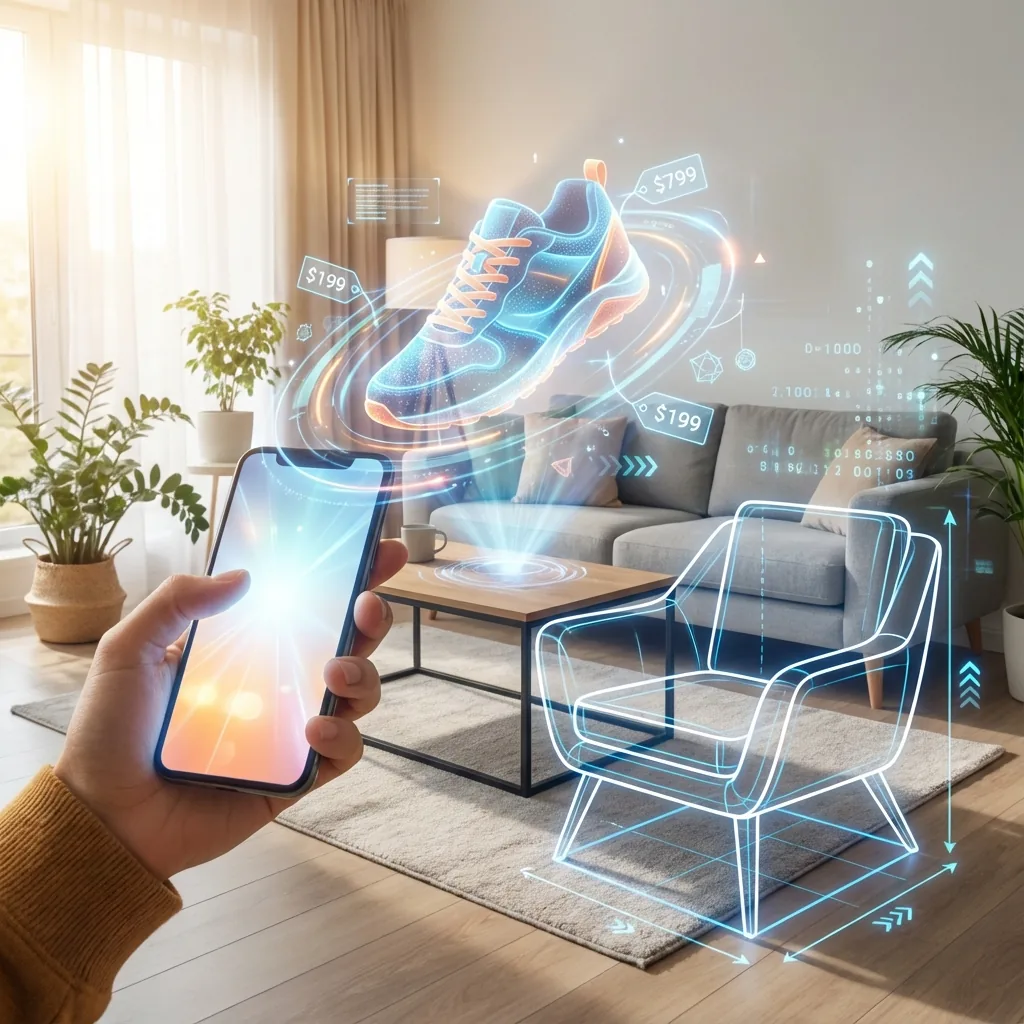
The Future is Immersive: Boosting Conversions with 3D, AR, and Video in 2026
Static images are legacy tech. Today's customers, raised on TikTok and Roblox, expect to interact with products. Immersive Commerce is the strategy of using 3D models, Augmented Reality (AR), and interactive video to bridge the gap between "I think I like it" and "I need this."
Table of Contents
Chapter 1: The ROI of AR (Reducing Returns)
The #1 reason for returns in furniture and fashion is "It didn't fit/look right." AR solves this.
Shopify's native AR support lets customers preview a product in their own space, which is especially useful for furniture, home decor, accessories, and products where scale matters. The value is practical: fewer fit surprises, fewer support questions, and more confidence before checkout.
Chapter 2: 3D Models vs. Photography
Unlike photos, a 3D GLB file allows a user to rotate, zoom, and inspect a product from every angle. But it goes beyond inspection. 3D models are the foundation for:
- Virtual Try-On: Seeing glasses on their own face.
- Configurators: Letting users build a custom watch or bike in 3D real-time.
- Metaverse Readiness: Your assets are ready for future platforms.
Chapter 3: Shoppable Video
The "TikTok-ification" of commerce is real. Embedding short-form, autoplaying video loops on Collection pages keeps users on-site longer. Even better, "Shoppable Video" apps allow users to click products inside the video to add them to the cart without pausing the playback.
Which Products Actually Benefit from 3D or AR?
Not every catalog needs immersive media on day one. I usually recommend starting with categories where shoppers struggle to understand scale, material, or fit from static photography alone.
- Furniture and home: Scale and placement are the obvious win.
- Footwear and accessories: Rotation and close inspection matter more than a flat gallery.
- Beauty devices and electronics: Interaction helps explain ports, finishes, and size.
- Premium or complex products: If the product carries a high consideration cost, richer media usually pays for itself faster.
What Makes a Good 3D Asset on Shopify
Merchants often underestimate this part. A low-quality model can feel gimmicky and slow. Shopify's own 3D guidance emphasizes accurate scale, clean geometry, and realistic textures because the asset has to work across browsers, mobile devices, and AR viewers.
- Accurate proportions: The product should match real-world dimensions.
- Optimized geometry: Enough detail to look trustworthy, not so much that it becomes too heavy.
- Clean materials and textures: The viewer should reinforce the photography, not contradict it.
- Thoughtful camera defaults: Starting angle, lighting, and zoom matter more than most teams expect.
Operational note: Shopify's product 3D tools are useful, but 3D models and videos can't be used as variant media in the same way product images can. That limitation matters when a brand wants every color or finish to have its own immersive asset plan.
How I Roll This Out Without Slowing the Store
- Start with the top 5 to 10 PDPs instead of the entire catalog.
- Keep the main image stack strong so the product still sells even if the customer never opens the 3D viewer.
- Load heavy assets deliberately and test the mobile experience before launch.
- Measure by category using PDP engagement, add-to-cart rate, support tickets, and return reasons.
How I Measure Whether It Worked
I compare behavior on the upgraded PDPs against the same products before launch or against a clean control group. The metrics I care about are product-page engagement, add-to-cart rate, conversion rate by device, support questions about sizing or fit, and return reasons after purchase. That gives the merchant a real answer about whether the assets are helping or just looking impressive.
When to Skip 3D for Now
If the brand still has weak product photography, unclear variant selection, poor page speed, or broken merchandising on mobile, 3D is usually not the first fix. Immersive media works best after the basics are already trustworthy. Otherwise, it risks becoming an expensive layer on top of a page that still struggles to sell the product clearly.
If that sounds familiar, start by fixing the PDP foundation first, then layer immersive media onto the hero products that deserve it. That usually creates a healthier return on the asset investment than trying to push 3D across the whole catalog too early.
Chapter 4: Technical Implementation in Liquid
Implementing a 3D model viewer on Shopify has become significantly easier since Shopify began natively supporting 3D models via the model_viewer_tag in Liquid. However, standard implementation often ignores performance.
Here is an optimized Liquid snippet that lazily loads the 3D model viewer only when the user interacts with it, preventing huge GLB files from blocking your main thread:
{%- for media in product.media -%}
  {%- case media.media_type -%}
    {%- when 'model' -%}
      <div class="product-media-model" data-media-id="{{ media.id }}">
        {{ media | model_viewer_tag: image_size: '1024x', reveal: 'interaction', toggleable: true, data-model-id: media.id }}
      </div>
  {%- endcase -%}
{%- endfor -%}
By passing reveal: 'interaction' to the tag, Shopify will output a placeholder image first, and only load the heavy 3D engine when the user explicitly clicks the "View in 3D" icon. This single line of code can save megabytes of payload on mobile devices.
Frequently Asked Questions (FAQ)
What file format does Shopify require for 3D models?
Shopify natively supports GLB and USDZ file formats for 3D models. GLB is typically used for web viewing, while USDZ is required for iOS Augmented Reality (AR Quick Look) support.
Will adding 3D models slow down my Shopify store?
It can, if not implemented correctly. You should use lazy loading (e.g. reveal='interaction' in Liquid) so that the 3D assets only load when the user chooses to view them, keeping the initial page load speed fast.
How much does it cost to create a 3D model for Shopify?
The cost varies wildly depending on product complexity, from $50 for a simple geometric item to over $500 for highly detailed, textured items like custom jewelry or complex furniture.
Official References
- Shopify Help Center: displaying products with 3D models
- Shopify Help Center: creating 3D models for merchants
- Shopify Help Center: no-code 3D viewer configuration
- Shopify Help Center: Shopify 3D scanner
Conclusion
You don't need a million-dollar budget to be immersive. You just need to prioritize assets that move, rotate, and interact.
Ready to upgrade your visual experience?
I help brands implement 3D viewers, AR quick-looks, and video commerce strategies.
Get an Immersive Demo