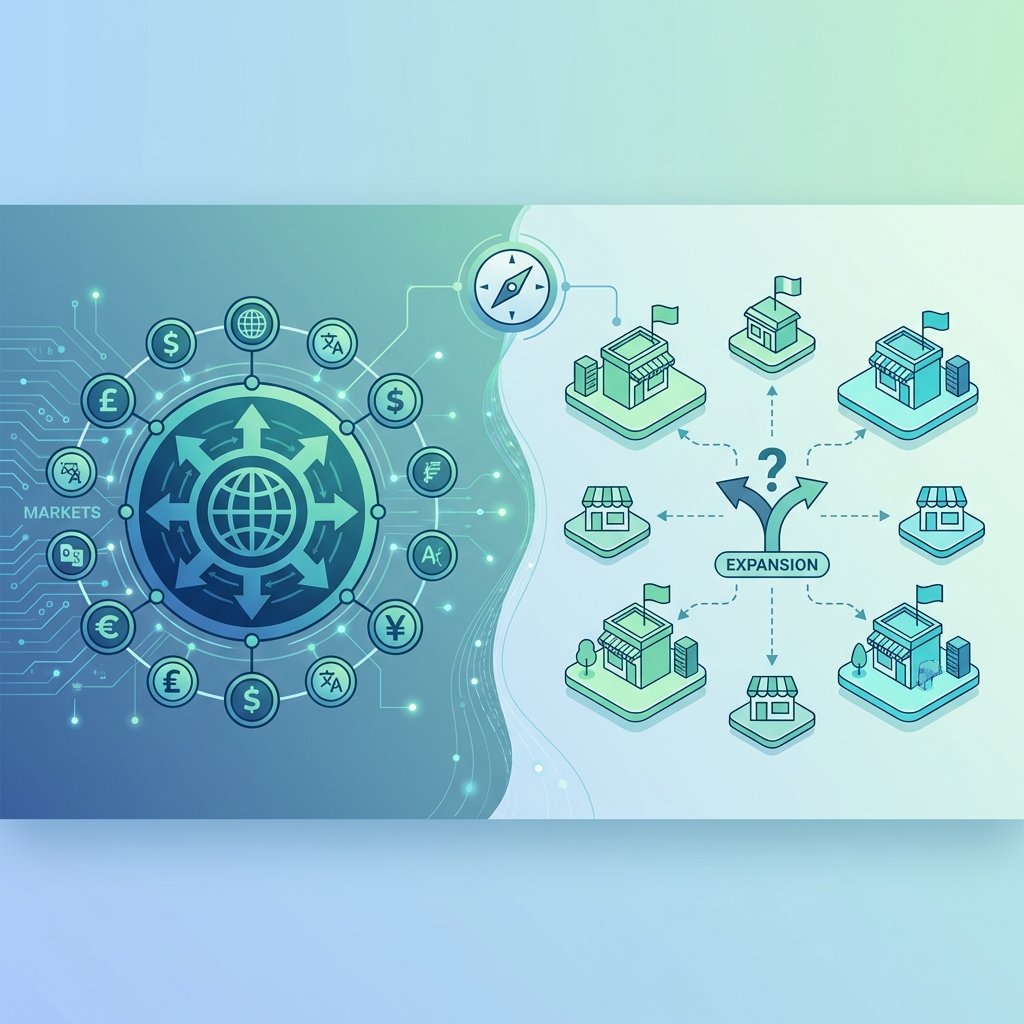
Shopify Markets vs. Expansion Stores: The 2026 International Architecture Guide
Primary Search Intent: Strategic Comparison / Decision Making
If you are scaling a Shopify brand internationally in 2026, you face a single, expensive question: Do I use Shopify Markets (one store, many currencies) or Expansion Stores (multi-store architecture)?
The "official" advice from Shopify is almost always "Use Markets." It’s cleaner, easier, and native. But ask any CTO of a $50M+ GMV brand, and the answer gets murky.
I have architected both solutions for high-growth brands. I’ve seen Markets fail at handling specific warehouse logic. I’ve seen Multi-Store setups become operational nightmares requiring $10k/mo ERP middleware.
This guide isn't marketing fluff. It’s a technical and operational breakdown of when to use which architecture, the hidden costs of each, and why the "Hybrid Approach" is often the secret winner.
📋 Architecture Guide Contents
1. Definitions: What Are We Comparing?
Shopify Markets (Single-Store)
The Setup: You have one Shopify admin (`brand.com`). You use the "Markets" settings to configure currencies, languages, and pricing tiers for other regions (e.g., `brand.com/fr-fr`, `brand.com/en-gb`).
The Promise: "Global selling from a single button." No cloning themes, no syncing inventory across databases.
Expansion Stores (Multi-Store)
The Setup: You open physically separate Shopify stores for each region.
Store 1: `brand.com` (US)
Store 2: `uk.brand.com` or `brand.co.uk` (Admin 2)
Store 3: `de.brand.com` (Admin 3)
The Promise: "Total isolation and control." Custom apps, custom layouts, and completely distinct inventories for each region.
2. The Core Comparison Matrix
Decision-makers, here is your cheat sheet. This table reflects the reality of Shopify Plus in 2026.
| Feature | Shopify Markets (Single) | Expansion Stores (Multi) |
|---|---|---|
| Setup Time | Hours / Days | Weeks / Months |
| Maintenance Cost | Low (1 theme, 1 app stack) | High (N themes, sync required) |
| Inventory Management | Native (Multi-Location) | Complex (Requires ERP/IMS middleware) |
| Content Customization | Limited (Translate & Adapt) | Unlimited (Totally different layout) |
| App Compatibility | High (Most apps work) | Variable (Some apps charge per store) |
| SEO Structures | Subfolders (`/en-ca`) | CCTLDs (`.ca`) or Subdomains |
| B2B Capabilities | Growing but shared logic | Fully distinct B2B portals |
3. The SEO Reality (Hreflang & Indexing)
This is where 80% of migrations fail. SEO on Markets is fundamentally different from Multi-Store.
Shopify Markets SEO
Markets uses subfolders by default (`brand.com/en-ca`). Shopify automatically generates `hreflang` tags to tell Google "This is the Canadian snippet for English speakers."
- Pros: Domain authority (DA) consolidates to the root domain. A backlink to the US site boosts the CA site.
- Cons: You cannot easily change the URL handle. If you sell a "Sweater" in the US but call it a "Jumper" in the UK, the URL remains `/products/sweater` (just translated). This hurts local SEO relevance for specific keywords.
Multi-Store SEO
Multi-Store allows Country Code TLDs (ccTLDs) like `brand.co.uk` or `brand.de`.
- Pros: Maximum local trust. Users in Germany trust `.de` more than `.com/de-de`. You can have `/products/jumper` on the UK site and `/products/sweater` on the US site.
- Cons: "Split Authority." Google treats `brand.de` as a separate website from `brand.com`. You must build backlinks for each domain separately.
4. Operations & Inventory Complexity
This is the dealbreaker. How do you fulfill orders?
The Warehouse Problem
If you ship everything from one central warehouse (e.g., US warehouse shipping globally), Shopify Markets is perfect. It calculates duties (DDP), handles multi-currency, and pulls from the main stock.
If you have separate physical warehouses (e.g., US Warehouse for US, Netherlands 3PL for EU), things get tricky.
- Markets: Can route orders to locations, BUT smart routing logic can be rigid. If the EU warehouse is out of stock, it might accidentally route the order to the US warehouse (causing massive shipping costs) unless strictly gated.
- Multi-Store: Clean separation. The EU store is only connected to the EU 3PL. There is zero risk of a US order crossing lines.
The ERP Factor: With Multi-Store, you need an ERP (Netsuite, Cin7) or an IMS to "sync" global stock if there is any crossover. With Markets, the Shopify Admin is the single source of truth.
5. UX & Content Limitations
Do you need to show completely different hero banners to Japanese customers vs. American customers?
Markets (Translate & Adapt)
You use the "Translate & Adapt" app. You can override text and change *some* images per market.
Limitation: You cannot drastically change the *layout*. The section structure of the homepage is shared. If you want a "Winter Sale" section in Australia (where it's Winter) while running "Summer Vibes" in the US, it is painful to manage via one theme editor.
Multi-Store (Theme Clones)
You have absolute freedom. The Australian store can be a completely pink theme while the US store is blue. Different apps, different sections, different navigation.
Pain Point: When you update the footer code in the US, you must manually update it in the AU store. Code drift is real. Maintenance doubles.
6. Hidden Costs & Tech Debt
Most agencies won't tell you about the "Tech Debt" of Multi-Store.
- App Bloat Fees: Many Shopify apps charge per store. If you use Yotpo ($500/mo), and you launch 3 Expansion Stores, your Yotpo bill is now $2,000/mo, not $500. Markets uses one app instance.
- Middleware Maintenance: Syncing products across 4 stores requires a PIM (Product Information Management) or a custom sync app. If that sync breaks, you oversell inventory.
- Customer Support Confusion: "I bought this on the US site but I live in the UK, can I return it to the UK warehouse?" On Multi-Store, the support agent has to log into a different admin to find the order.
7. Real-World Decision Scenarios
Which architecture fits your 2026 roadmap?
Scenario A: The "Testing the Waters" Brand
You are doing $5M in the US. You want to see if Germany is a viable market.
Verdict: Use Markets. Enable Euro currency, turn on local languages, configure Duties Only. Low risk, low effort. Do not open a dedicated store until Germany hits $500k GMV.
Scenario B: The "Compliance Heavy" Brand
You sell supplements or CBD. Ingredients legal in the US are illegal in the UK.
Verdict: Use Expansion Stores. You cannot effectively gate specific products per region in Markets without risk. A separate UK store ensures strict catalog compliance.
Scenario C: The "True Global" Enterprise
You have a marketing team in Tokyo and a marketing team in New York. They run different campaigns, different influencers, different product drops.
Verdict: Use Expansion Stores. The operational independence for the local teams outweighs the technical maintenance cost.
8. The Verdict & Hybrid Strategy
In 2026, the era of "One Store Per Country" is dying. It is too heavy.
The Winner: The Hybrid Architecture
Core Markets (US/CA/UK): Use Expansion Stores for your top 2-3 regions where you have high volume, physical teams, and distinct inventory.
Rest of World (ROW): Use a single "Global" Expansion Store running Shopify Markets.
This "Row Store" strategy allows you to capture long-tail sales from 150+ countries via Markets Pro, while keeping your high-value regions (US, UK) optimized and isolated. It balances operational sanity with maximum reach.
Still unsure? Architecture mistakes cost millions in replatforming. Book a technical audit before you click "duplicate store."