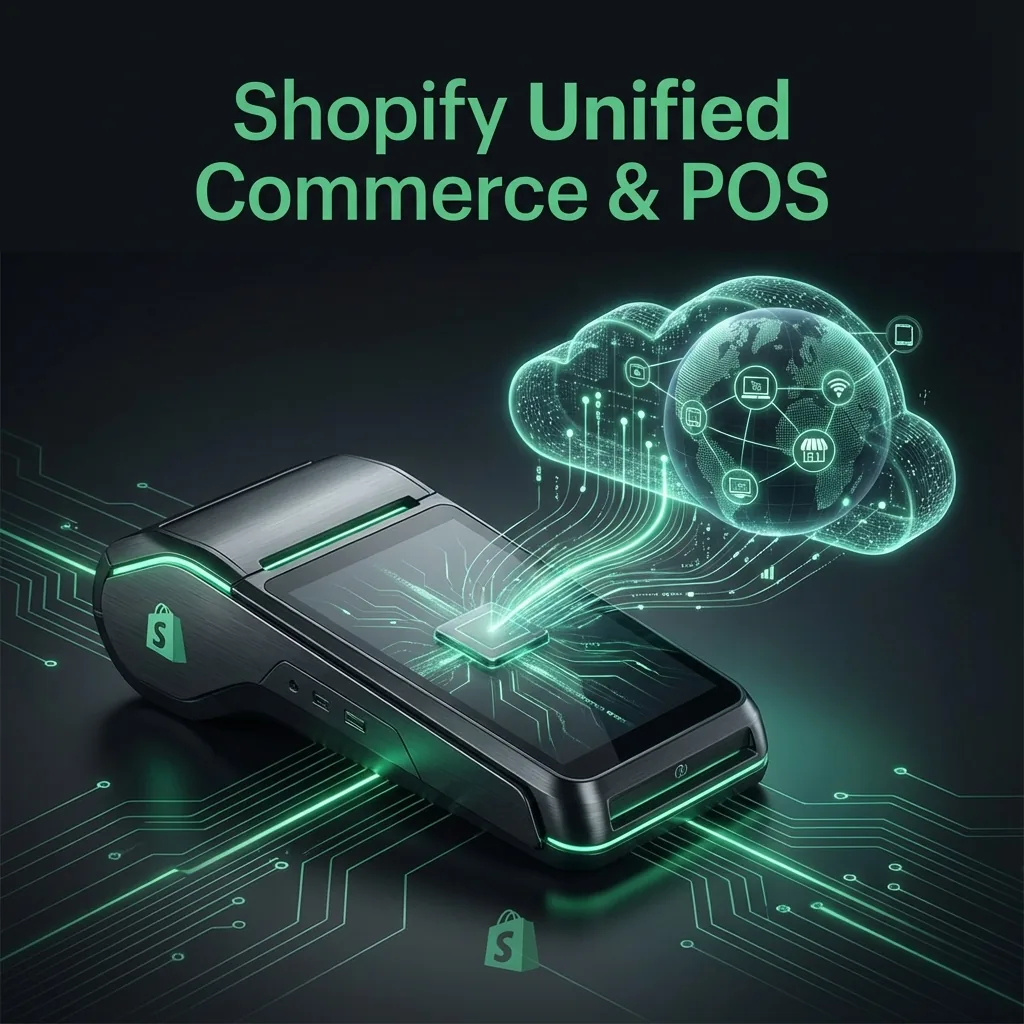
Shopify POS & Unified Commerce: The 2026 Technical Guide
The term "Omnichannel" is outdated. In 2026, the standard is Unified Commerce—a single source of truth for inventory, customer data, and sales, regardless of where the transaction happens. Shopify POS is the engine making this accessible to brands of all sizes.
Table of Contents
- Chapter 1: Beyond Omnichannel - The Single Source of Truth
- Chapter 2: Real-World Scenarios (BOPIS & BORIS)
- Chapter 3: Clienteling 2.0 - Selling with Data
- Chapter 4: The Hardware Ecosystem
- Chapter 5: Technical Deep Dive - POS UI Extensions
- Chapter 6: The Great Stocky Migration of 2026
- Frequently Asked Questions
Chapter 1: Beyond Omnichannel - The Single Source of Truth
In the old "Omnichannel" model, your POS system and your website talked to each other via APIs, often with a delay. This led to the dreaded "Ghost Inventory" problem, where a customer buys a shirt online that was sold in-store 5 minutes ago.
Unified Commerce on Shopify means one database. If a cashier scans an item in New York, it is instantly deducted from the global inventory available to your London web customer. No sync delays, no APIs to break.
Chapter 2: Real-World Scenarios (BOPIS & BORIS)
Modern customers demand flexibility. Shopify POS native features make these complex flows simple:
- BOPIS (Buy Online, Pick Up In-Store): Drive foot traffic by letting local customers pick up their web orders. The POS app notifies staff to pick and pack.
- BORIS (Buy Online, Return In-Store): Reduce return friction. A customer can mail back a return OR drop it at a store. The refund is processed instantly to the original payment method, and the inventory is restocked immediately.
- Endless Aisle: Out of stock in-store? Staff can use the POS Go device to overlook inventory at the warehouse and ship it directly to the customer's home ("Save the Sale").
Chapter 3: Clienteling 2.0 - Selling with Data
Imagine a customer walks in, and your staff knows their name, their last purchase, and their dress size.
With Shopify POS Go, clienteling is built-in. Staff can pull up a "Customer Profile" to see total lifetime value, notes like "Prefers Vegan Leather," and past returns. This empowers associates to make personalized recommendations that actually convert, rather than generic sales pitches.
Chapter 4: The Hardware Ecosystem in 2026
Forget clunky registers. The 2026 standard is mobile. The Shopify POS Go is a handheld device with a built-in barcode scanner and card reader. Staff can check out customers anywhere on the floor—fitting rooms, queue lines, or even curbside.
Chapter 5: Technical Deep Dive - POS UI Extensions
One of the most significant changes in the Shopify ecosystem for 2026 is the maturity of POS UI Extensions. Historically, extending the POS required clunky workarounds or separate apps that staff had to switch to on an iPad. Now, developers can build custom functionality directly into the native Shopify POS interface.
Using React Native and Shopify's specialized components, you can inject UI directly into:
- The Smart Grid: Add custom tiles that trigger modals, fetch external loyalty data, or print custom labels.
- The Cart: Inject rules to block checkout if a customer's age hasn't been verified via a custom API, or apply complex tiered discounts that Shopify Scripts used to handle.
- Customer Profiles: Pull in sizing preferences from a third-party CRM (like Klaviyo or HubSpot) so retail staff see it directly on the POS Go screen.
For example, to build a simple custom modal that fetches external inventory for an item, developers use the @shopify/ui-extensions-react/point_of_sale library. Because these run natively on the device, the performance is flawless compared to the old web-view based apps.
Chapter 6: The Great Stocky Migration of 2026
There is also a massive platform-side cleanup happening. Shopify's documentation explicitly notes that the Stocky app will no longer be available after August 31, 2026. Merchants MUST move inventory-transfer workflows, purchase orders, and receiving into Shopify's native inventory management features within the admin.
This is a major operational shift. The native features are more robust, but retail teams must avoid building new habits around older tooling if native workflows are the long-term direction. We are spending a lot of time this year migrating custom Stocky reports into native Shopify QL or third-party BI tools, and retraining retail staff on native POS receiving workflows.
Where Unified Commerce Actually Breaks Down
The biggest retail problems are rarely "Can the POS take payment?" The real problems are inventory accuracy, pickup workflows, transfers, and staff confidence. That is why I treat POS rollouts as operations projects, not only UI projects.
- Inventory states: staff need to understand available, committed, incoming, and unavailable inventory instead of relying on one vague stock number.
- Pickup handoff: BOPIS only works when online order preparation and pickup notification workflows are clean.
- Transfers between locations: retail teams need disciplined receiving and shipment processes to avoid ghost inventory.
What I Configure First in a Retail Rollout
- Location-level inventory rules so staff can trust what the POS is showing.
- Pickup in store workflows for preparation, notification, and marked-as-picked-up steps.
- Transfer process training for stores that move inventory between locations.
- Customer profile and notes strategy so clienteling becomes practical, not theoretical.
- Smart Grid shortcuts around the actual tasks your staff repeat every hour.
Frequently Asked Questions (FAQ)
What happens to Stocky in 2026?
Shopify has announced that the Stocky app will be fully sunset and unavailable after August 31, 2026. Merchants must migrate their purchase orders, inventory counts, and transfer workflows to Shopify's native admin inventory features.
Can I build custom apps for Shopify POS?
Yes, developers can use POS UI Extensions to build custom React Native components that inject directly into the Shopify POS interface, including the Smart Grid, Customer Profiles, and Cart screens, without relying on slow web-views.
Does Shopify POS sync inventory instantly?
Yes, because Shopify POS and your online store share the exact same backend database (Unified Commerce), inventory is deducted or added in real-time across all channels instantly. There is no sync delay.
Official References
- Shopify Help Center: managing pickup in store orders in Shopify POS
- Shopify Help Center: setting up pickup in store for online orders
- Shopify Help Center: fulfilling and receiving inventory transfers in Shopify POS
- Shopify Help Center: understanding inventory states
- Shopify Help Center: Stocky transfer migration and August 31, 2026 sunset note
Conclusion
Retail isn't dead; boring retail is dead. Unified commerce gives you the agility to meet customers where they are. By centralizing your operations on Shopify, you eliminate tech debt and focus on experience.
Planning to upgrade your retail tech stack?
I help effective brands migrate to Shopify POS and configure unified commerce workflows.
Discuss Your Retail Strategy